



Betsamuro Mobile Platform
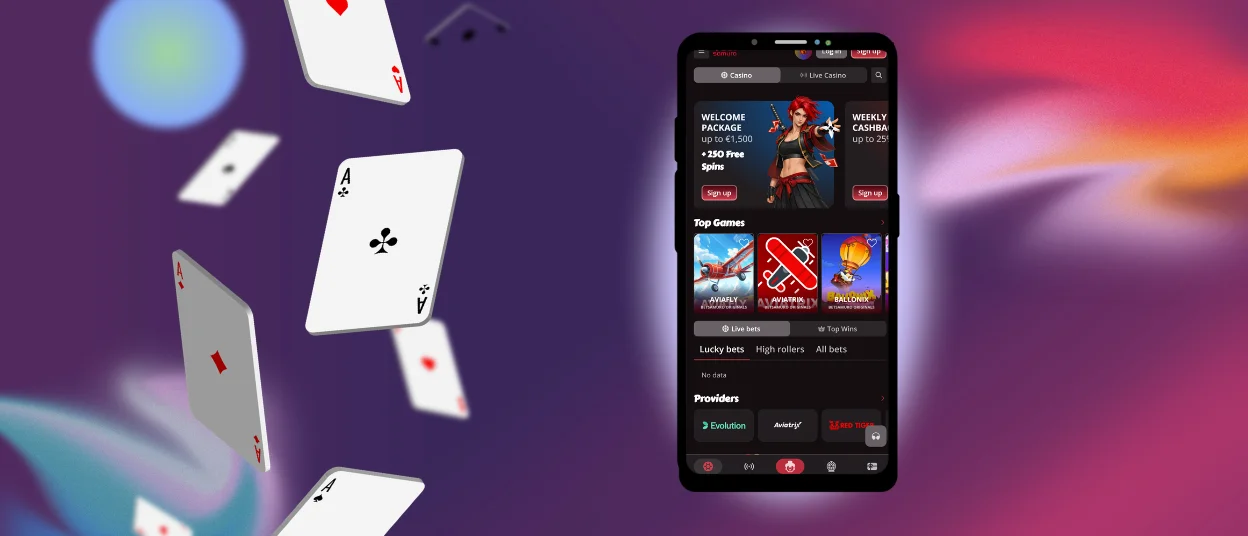
From your phone without the mobile compromises, the Betsamuro app opens doors to online gaming excitement. This progressive web application delivers convenience and solid performance, letting users tap into preferred casino games comfortably and consistently – cards, live casino rooms, instant wins, and online slots. All titles become enjoyable through the smartphone app without restrictions or “mobile-only” limitations.
Betsamuro Casino brings top-quality gaming experiences, whether you’re walking around town or sprawled at home, through our versatile mobile solution, adapting to your lifestyle.



Using Betsamuro on Mobile
The Bet Samuro Casino mobile device access and platform flexibility make it easy for a wide range of users and devices to use. You don’t have to give up quality to play your favorite games because both approaches work very well to maintain high performance, security, and ease of use.
There are good reasons to switch from your computer to the Betsamuro app:
- Smooth gaming means being able to play your favorite games on the go on a mobile platform that loads quickly and responds right away, keeping the game going.
- Players can easily find their way around thanks to an intuitive interface design, no matter how tech-savvy they are.
- You can use the app to log in and play anytime you choose.
- Betsamuro Casino has security that keeps all transactions and personal information safe, so you can play without anxiety.
- Universal compatibility works with both iOS and Android, thus it works with almost all phones and tablets that are currently on the market.
Betsamuro Android Mobile App
Android users can download the Betsamuro app, which is sophisticated progressive web software that works for mobile casino gamers all throughout the huge Android ecosystem. It’s super easy, you just need to tap “Add to Home Screen” and place the icon wherever you like.
Broad spectrum coverage means that all Android phones and tablets, no matter who made them or how much they cost, will have solid connections and good visuals. The speed of installation stays fast. Behind the scenes, upgrades happen automatically. Players never miss a patch or new feature.
The design is easy to use, so you can quickly go between game genres, special offers, and account administration without becoming lost in menus. Across the board, the PWA gives players really fun gaming experiences. Since the PWA method works better, there are no longer any Betsamuro APK files.
Bet Samuro iOS Mobile App
The Betsamuro Casino app for iOS was made just for Apple devices so that users can have seamless and easy experiences all the time. Fast loading times and strong security make every session safe and secure.
- Take your iPhone and launch the Shortcuts app that’s already built into iOS.
- Look for the + (plus) icon and give it a tap to bring a new shortcut into existence.
- The “Add Action” button appears – tap that, then start typing “Betsamuro”.
- Your desired app should surface in the search results below, so go ahead and select it from that list.
- Now tap the little down arrow sitting next to the shortcut name and pick “Add to Home Screen” from the options that tumble out.
- Here’s where you can get creative: choose a custom photo for your icon if the default looks boring, choose a name that makes sense to you, then tap the “Add” button.
The Betsamuro app gets updates on a regular basis. Each update adds new features and improves existing ones at our casino.

Windows and macOS Applications
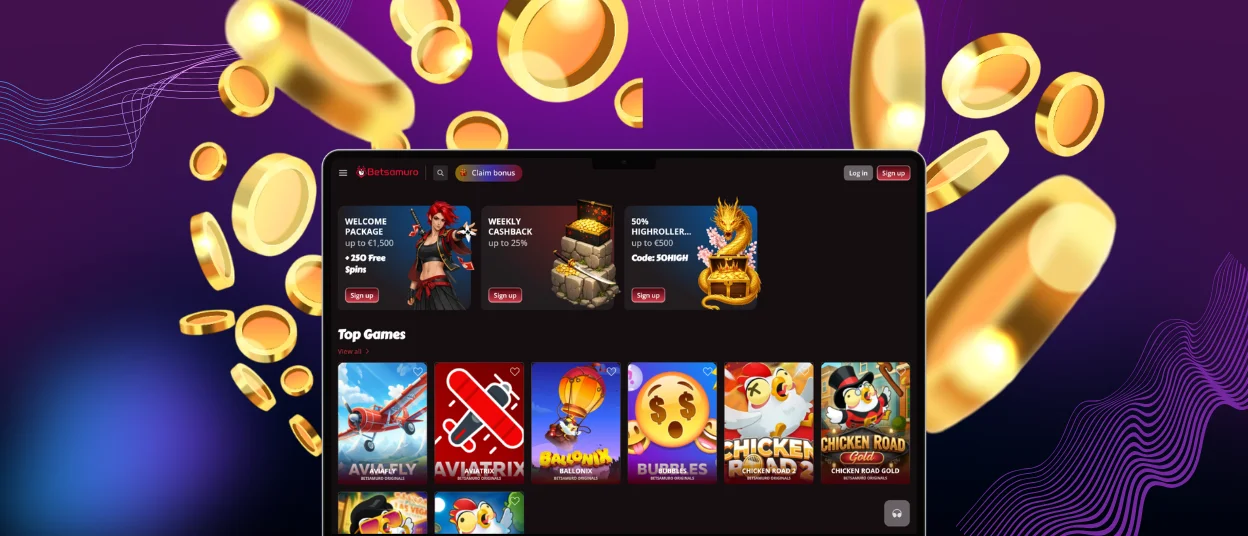
Betsamuro Casino has desktop versions for both Windows and Mac PCs, as well as mobile versions. These versions provide you with a complete panoramic perspective, as bigger monitors do. The desktop Bet Samuro app, made for bigger screens, leverages desktop capabilities to provide you with high-resolution graphics and additional features. Players can experience the complete game on their desktop computers due to features like live chat, which connects you directly to the support team, and a faster authentication process.
| What You’re Doing | Desktop | Mobile App | Which One Wins |
| Quick 10-minute session | You need to find a computer, open a browser, type the URL, wait for the desktop site to load fully | Tap the Betsamuro app icon, Face ID, you’re playing in 3 seconds | Mobile demolishes desktop here |
| Serious 3-hour tournament session | Big screen shows everything clearly, mouse precision for complex games, stable connection | It’s functional, but your phone gets blazing hot, and your fingers cramp up from the small screen | Desktop superiority obvious for marathon sessions where comfort matters |
| Playing on sketchy wifi | Desktop sites demand a consistent connection | The app handles brief disconnects | Mobile saves you on trains and planes |
The benefits of the Betsamuro app as a PWA are obvious: automatic updates, negligible storage demands, instant access without marketplace bureaucracy, and consistent experiences across devices you’re using.
FAQ
Is creating an account required to use the Bet Samuro app?
To get the most out of the Betsamuro Casino app, you first need to register an account. Without an account, you can only access demo games, which is probably not why you’re here. Registration unlocks deposits using your own funds, participation in promotions, and claiming bonuses. It also ensures that security stays high and legal compliance is maintained through the verification process. Setting everything up properly takes minutes.
Does the app offer customer support?
The Betsamuro app connects you straight to the support team through live chat and email. Smart professionals handle technical problems, account verification questions, and other queries that pop up during your gaming experience. Having excellent support available means enjoying your time at Betsamuro Casino.
How can I update the Bet Samuro app?
You don’t have to worry about version numbers or installing updates by hand; they happen automatically. When you use a progressive web app, you can stay up to date with the latest version by refreshing your browser or emptying your cache. Desktop operates the same way, so you don’t have to waste time on manual updates.


